How to change your nameservers
by Chirpy Domains
2 min read

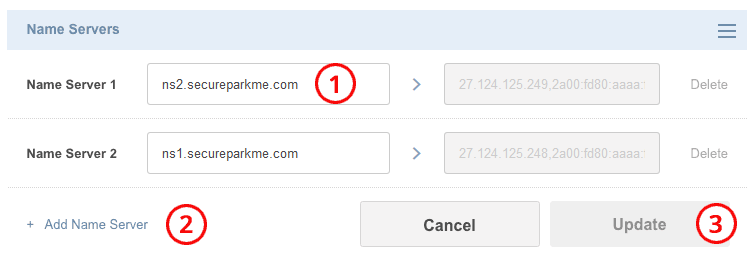
You can change the nameservers of your Domain to point to another web/email hosting provider. Our default nameservers are ns1.secureparkme.com and ns2.secureparkme.com.
Login
(1) Login with your account username and password.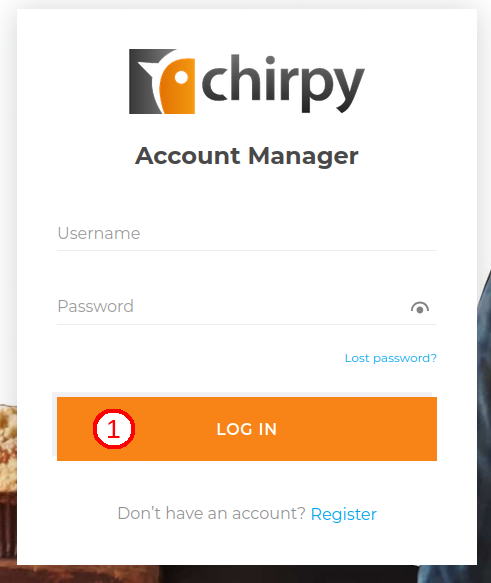
Go to Domains page
(1) Click the Domain Tools icon in the header.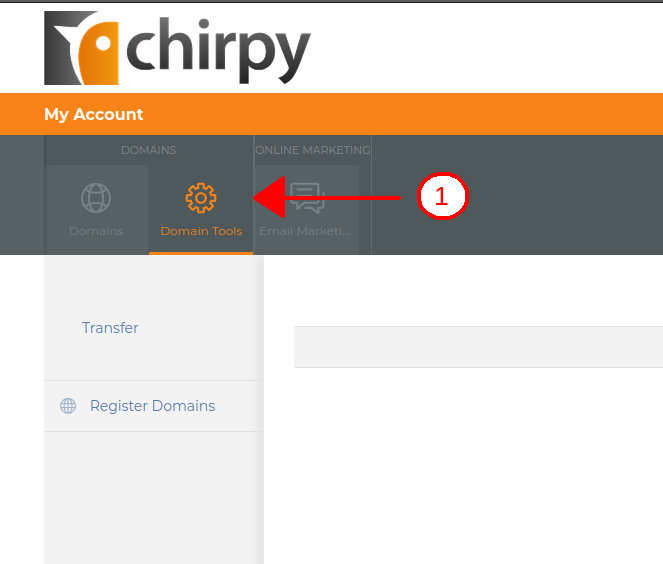
Select Domain to edit
(1) Locate the Domain you want to edit and click on it.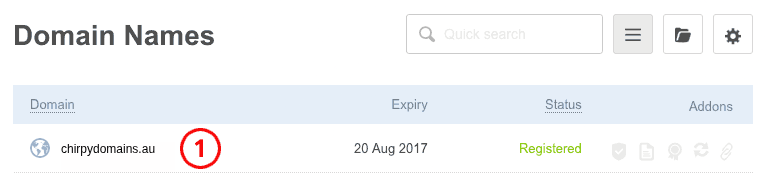
Open editing form
(1) Under the Nameservers box, mouse over to the right side of the nameservers and click the Modify link.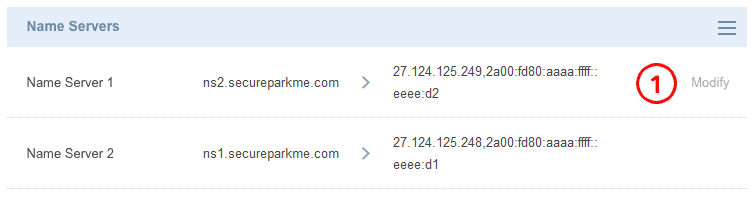
Change nameservers
(1) Change the nameservers to what you require.(2) Add additional nameservers if you require.
(3) Click Update to save changes.