How to change your nameholder details
by Chirpy Domains
2 min read
You can change contact details associated with your Domain name. First, visit our customer login page.
Login
(1) Login with your account username and password.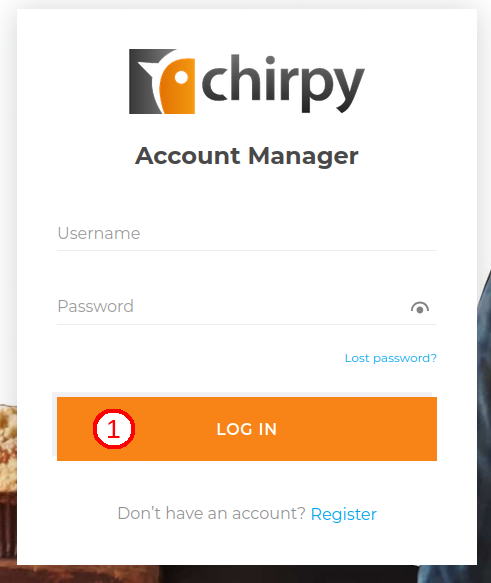
Go to Domains page
(1) Click the Domain Tools icon in the header.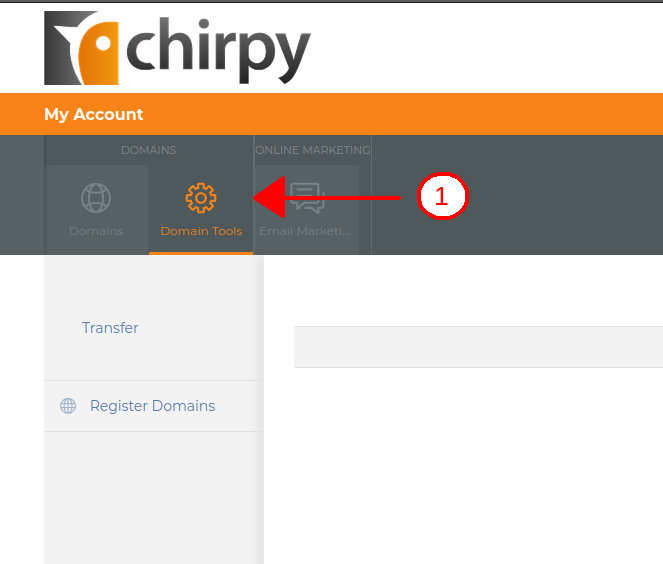
Select Domain to edit
(1) Locate the Domain you want to edit and click on it.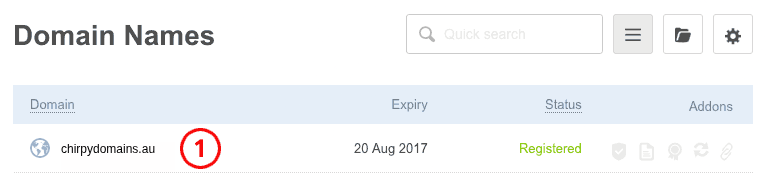
Open the contacts
(1) Under the Administration box.(2) Mouseover the Registrant contact and click Change Owner.
(3) Modify the details as required
(4) Click Update.
